
Sell seats to your baking classes.
Put every workshop online with its own page and tickets. Students pay when they book, reminders go out on their own, and you see who is coming at a glance.
Workshops are on every plan, including free.




A spreadsheet of names, a stack of e-transfers and a group text the night before.
- Spreadsheet
- Google Forms
- Venmo / e-Transfer
- Group texts
- Instagram DMs
Counting spots by hand
Bakeable stops selling when the class is full and shows spots left on the page.
Collecting payment
Students pay when they book. No deposits to chase, no awkward reminders.
Reminding everyone
Announcements and reminders send on a schedule you set once.
From idea to a full class in three steps.

 Elena+ Add a teacher
Create the workshop
Add a title, date and time, location, number of spots, a cover photo and who is teaching.
Pick your tickets
Choose from ticket types you have saved, or add a one-off just for this class.

Share and fill it
Your workshop page goes live on your website. Share the link and let reminders do the rest.
Students pay online. The money lands in your bank.
No cash at the door, no e-transfers to match up and no deposits to chase. Students pay by card when they book, and Bakeable deposits the money straight into your bank account.
- Every seat is paid for before the class starts
- Payouts go straight to your bank account
- Every payment and refund in one list
- Students get a receipt and their ticket by email
Tickets that include the take-home.
Each ticket is one seat. Add items from your catalog to a ticket, like a starter kit or a PDF recipe book, and offer a few ticket types at different prices.
- Save ticket types once and reuse them for every class
- Add a one-off ticket that only sells at one workshop
- Downloads are emailed the moment a student books
A page for every class, on your own website.
A banner with the date and a countdown, the details, a Get directions link, your teacher card and the tickets. One upcoming class? Your Workshops page goes straight to it.
- Date banner with a countdown
- Get directions link for every class
- Tickets right on the class page
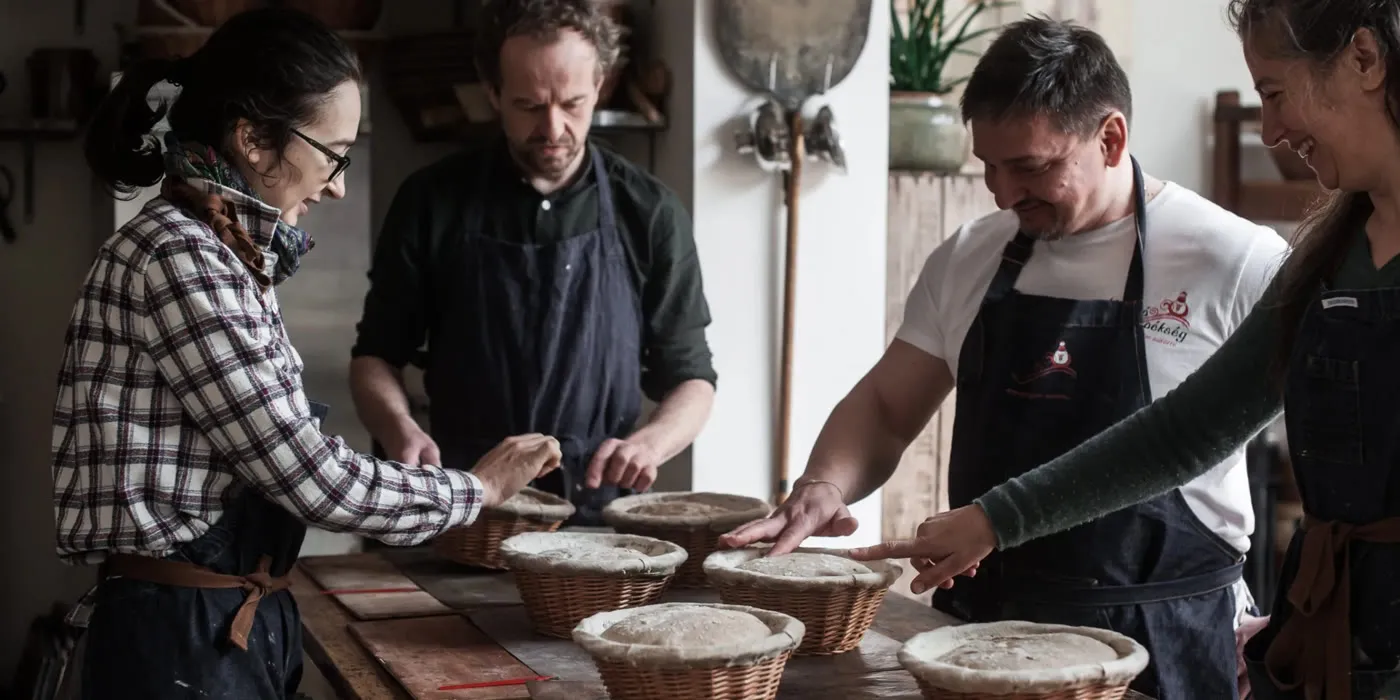
Mix, fold, shape and score your own loaf. You will leave with a dough to bake at home and a starter to keep.
Show students who they will learn from.
Add a profile for each teacher with a headshot, portrait, years baking, bio and social links. Put one or more teachers on any workshop.
- Headshot, bio and social links
- Years baking on every profile
- One or more teachers per workshop
Elena Marsh12 years bakingElena started with a jar of starter from her grandmother and has taught over 400 home bakers to shape their first loaf.
You focus on the class. We communicate, confirm payment and send reminders.
Turn on an announcement and reminders once in Workshop settings. Edit any message so it sounds like you.
- Booking confirmations sent for you
- Reminders before class day
- Every message editable
Spots left, who booked and what they bought.
See upcoming, past and draft workshops as a list or a calendar. Open a class to see attendees, the ticket each chose and what to hand out on the day.
- List or calendar view
- Attendees and the ticket each chose
- What to hand out on the day
Pick your plan
Nano
Everything you need to get your first Pickup Day or workshop live.
Free- Your own micro-baker website
- Online ordering
- Pickup Days management
- Manage workshops & ticketing
- Sell menus, products, & downloads
- Customer management
- Customer emails you can edit
- Customer service chat
- AI employees, 250,000 AI tokens a month
+ 5% + $0.50 platform fee, added to your customer’s total
Micro
For bakers ready to grow their local presence.
- Everything in Nano
- Subscriptions
- Customizable bio links page
- Promotional discounts
- Customer SMS notifications
- Text blasts
- 500,000 AI tokens a month
+ 5% + $0.50 platform fee, added to your customer’s total
Master
Full platform for bakers running a serious operation.
- Everything in Micro
- 2,000,000 AI tokens a month
- AI customer service agent
- Staff accounts and roles (soon)
- Gift cards (soon)
- Priority support (soon)
+ 2.5% + $0.25 platform fee, added to your customer’s total
Prices in USD for US bakeries and CAD for Canadian bakeries. Plan prices exclude sales tax; in Canada, GST/HST is added to plans and to the platform fee.
Everything you need to run your classes.
Tickets, class pages, reminders and payments in one place. Workshops are on every plan, including free.
Workshop tickets
Sell seats with ticket types at different prices. The class stops selling when it is full.
Kits and recipe books in the ticket
Add a starter kit or a PDF recipe book to a ticket. Downloads are emailed the moment someone pays.
A page for every class
Each workshop gets its own page on your website with a countdown, the details and directions.
Teacher profiles
A headshot, bio, years baking and social links for each teacher, shown on every class they teach.
Attendees and calendar
See who is coming, the ticket each chose and what to hand out, as a list or a calendar.
Announcements and reminders
Turn them on once in Workshop settings. Edit any message so it sounds like you.
Payments and payouts
Students pay when they book and the money is paid out to your bank. No deposits to chase.
Student list
Every student and their bookings in one list that builds itself, ready for your next class.
Your website and domain
Built for you and changed by Wes when you ask in plain words. Use your own domain or a free bakeable address.
Bea, your assistant
Ask how many seats are left or who has not paid, in plain words, and get a straight answer.
Text remindersMicro
Reminders by text from your own number, on top of email.
DiscountsMicro
Promo codes for returning students and early birds.
Workshops are on every plan.
Run classes on Nano for free. Upgrade to Micro for text reminders, discounts and marketing tools.
Questions from teachers
Can someone book more than one seat?
Yes. Each ticket is one seat, and a student can buy as many as they need in one order.
Do I need to sell bread to use Workshops?
No. You can use Bakeable just for your classes.
How do students manage their booking?
Students can see their bookings and downloads in My account on your website.
What about refunds and cancellations?
[Refund and cancellation answer]