
Product photos and descriptions
What customers see on a product card versus in the detail view, and what to write for each.
Your storefront shows a product twice: as a card in the menu grid, and in a detail dialog when someone taps the photo. They want different writing.
| Where | What appears | Write for |
|---|---|---|
| Card | Photo, name, price, allergen chips, quantity control | Recognition. Someone scanning ten products. |
| Detail dialog | Full-bleed photo, name, full description, allergens in full | The person who is nearly convinced and wants one more detail. |
Allergens
Allergens show as a short "Contains" row on the card — capped at three with a "+N" — and in full in the detail dialog. Filling these in answers the single most common customer message before it is sent.
Photos
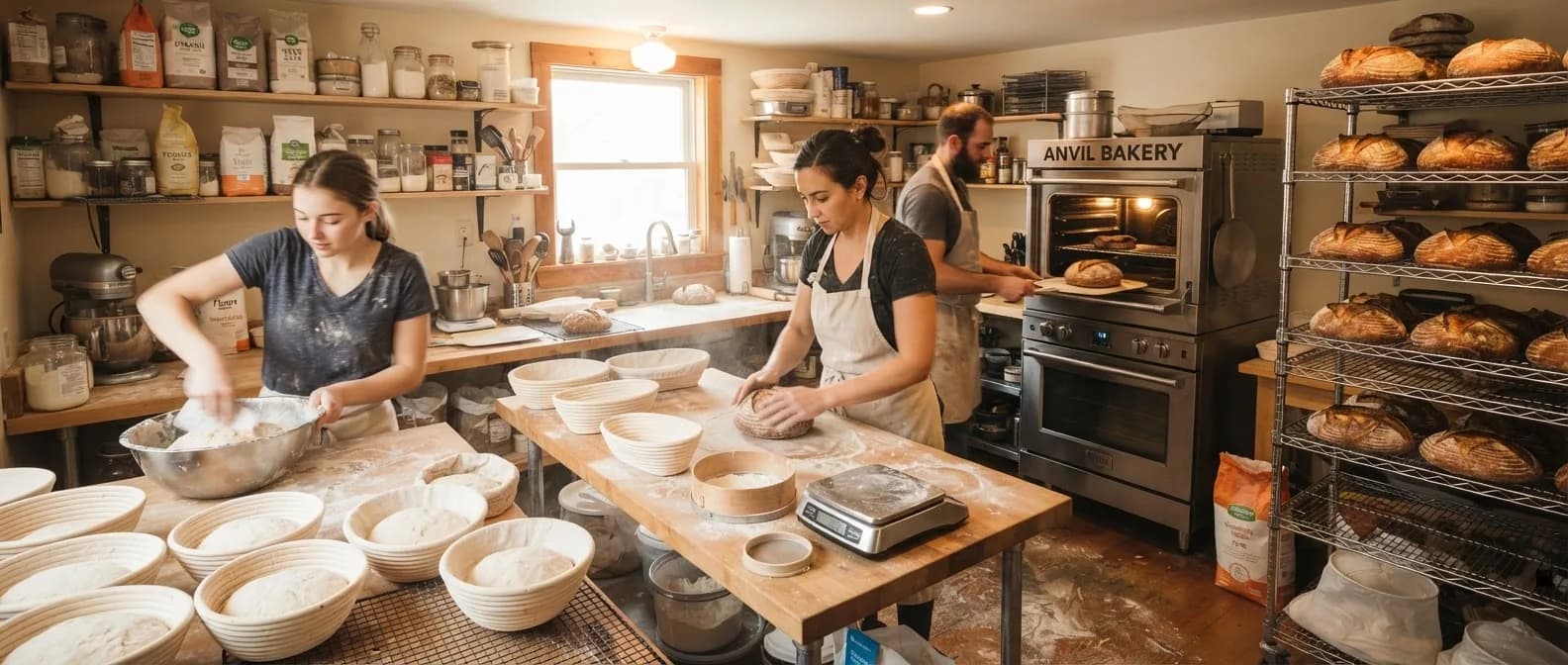
If a product has no photo when your site is generated, Bakeable will make one. It is a reasonable placeholder and a poor substitute — a phone photo of your actual bake, in daylight, beats it comfortably. Photos you upload later replace generated ones on the next publish.
Last updated
Still stuck?
Email us and a person will read it. Tell us your bakery name and what you were trying to do — it saves a round trip.
Try Bakeable free.
No card. No commitment.
Start on Nano, free forever. Set up your storefront, take your first orders, and see if it fits the way you bake.